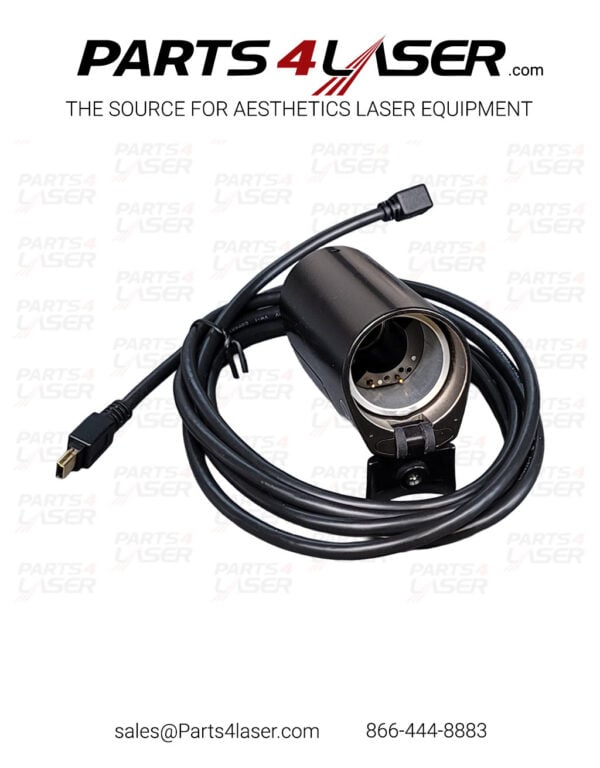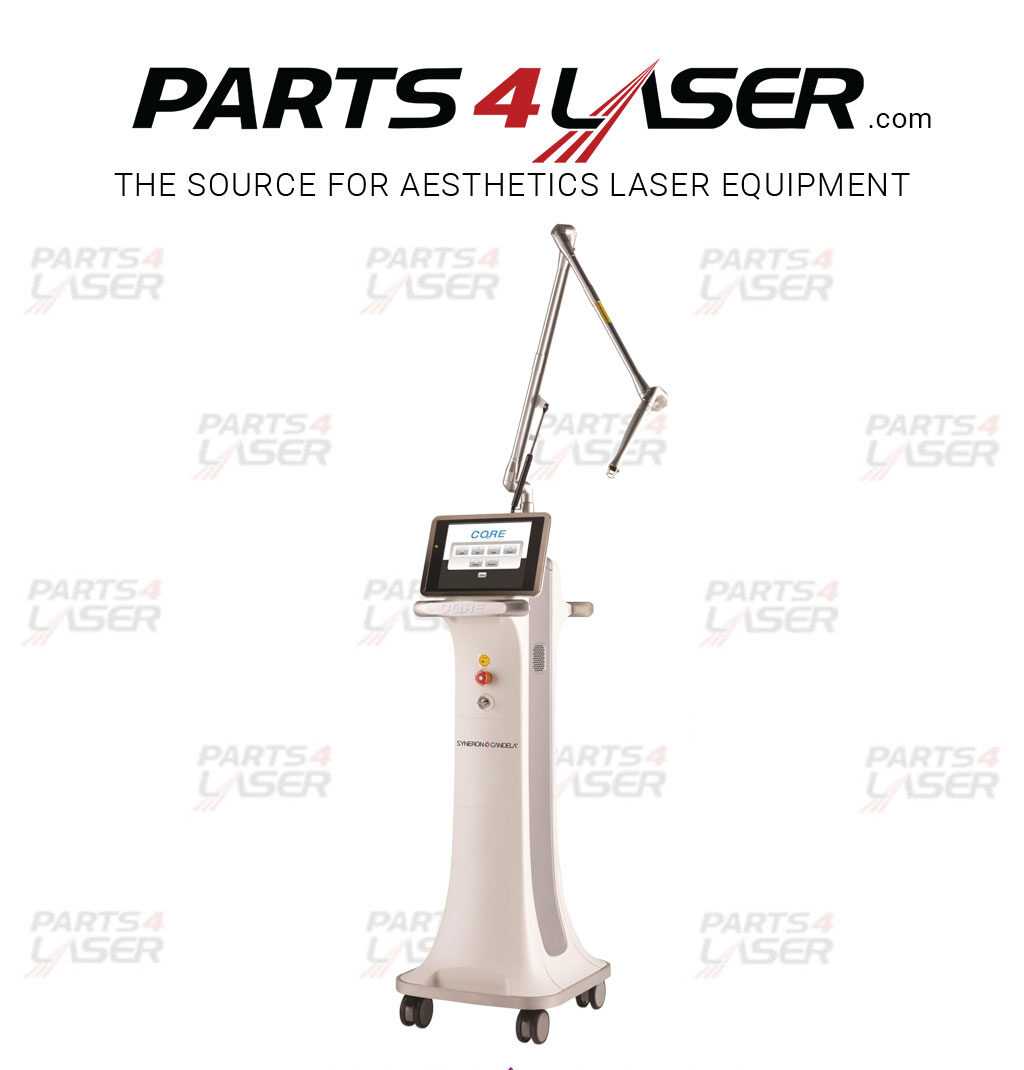
CANDELA CORE C02 TOUCH SCREEN CACN3797
CANDELA CORE C02 TOUCH SCREEN CACN3739
SYNERON CANDELA CO2RE (CORE CO2) TOUCHSCREEN CALIBRATION PROCEDURE.
- Turn on the device (power on).
- Wait until the system is fully loaded.
- Click the “Settings” icon in the lower right corner of the screen.
- Select “Factory settings”.
- Enter the code xxxxxx and click “OK”.
- Select “Align Touchscreen” button in the menu
- Touch the center of the rectangle in the following order:
- upper left corner
- upper right corner
- lower right corner
- lower left corner
- AgainTouch the center of the rectangle in the lower left corner.
- Wait until the calibration saving process is complete.
- Exit the technical settings menu.
- Touchscreen calibration is complete.
- The device is ready for use.
Description
CANDELA CORE C02 TOUCH SCREEN CACN3739
Parts4laser is not affiliated, associated, authorized, endorsed by, or in any way officially connected with Candela their affiliates.
Any logos and trademarks of third parties that may be found on our website are registered trademarks of their respective owners.
The use of any trademark is for identification and reference purposes only and does not imply any association with the trademark holder.