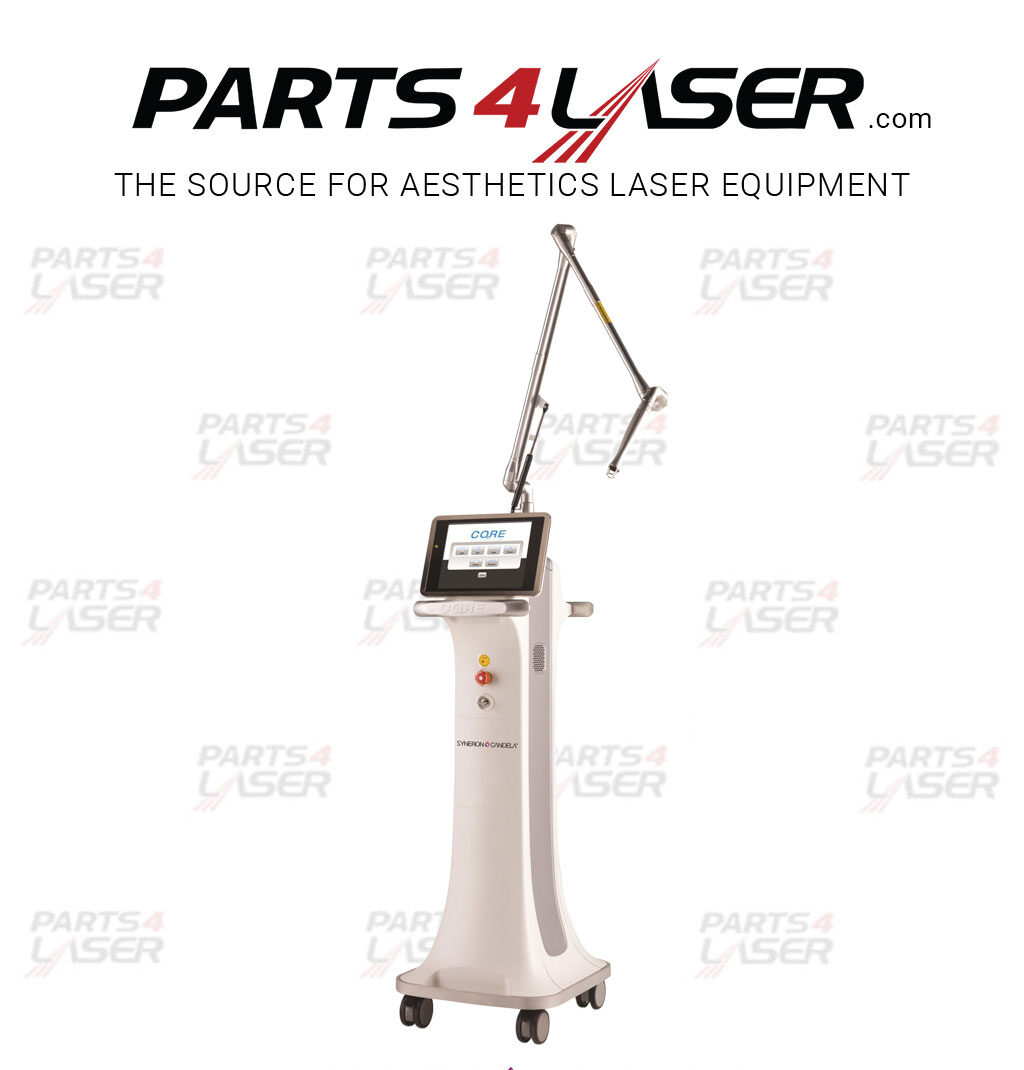
SYNERON CANDELA CO2RE CORE CO2 DISPLAY TOUCH SCREEN NEW MODIFICATION CAPC2862
SYNERON CO2RE DISPLAY TOUCH SCREEN NEW MODIFICATION
Description
Syneron Candela CO2RE Display Touch Screen – New Modification – CAPC2862
This system offers an option to skip directly to the calibration screen, part number CAPC2862. This option helps when no buttons respond and you cannot reach the Alignment screen. As a result, you can still recalibrate the display even during a button failure.
Steps to Skip to the Calibration Screen
To skip directly to the calibration screen from system initialization, follow these steps in order:
- Remove the remote interlock.
- Press the emergency stop switch.
- Remove the key from the keyswitch.
- Press the footswitch.
- Turn the AC switch on while holding down on the footswitch.
These steps take you to the interlock error message screen. Next, place back all interlocks, then press the footswitch and emergency stop button. As a result, the system jumps to the Calibration screen.
Using a stylus, touch the center of the square where the X appears. Repeat this four times, once in each corner, as it displays on screen.
Alignment Caution and Calibration Notes
Caution: touch the screen firmly and quickly. If you touch it slowly, the system recognizes two presses and the alignment will not be accurate. The order of the four X marks is: top left, top right, lower right, and lower left. If you press and hold an X too long, the system detects more than one press and jumps to the next X. If this happens, the sequence will not follow the order above. To avoid saving this incorrect alignment, shut down the system before finishing the alignment.
Next, input the Scale and Offset values that you wrote down or found on the rear panel label. Additionally, input the correct power energies. If you did not write down the values, measure the power instead.
Note: this alternative screen calibration method performs a full system reset that sets the alignment and power values stored in memory back to default. For this reason, you typically find alignment values (but not the power value) on a label on the back panel of the system. We strongly recommend writing down these values before performing a full system reset.
Parts4laser is not affiliated, associated, authorized, endorsed by, or in any way officially connected with Syneron / Candela their affiliates. Any logos and trademarks of third parties that may be found on our website are registered trademarks of their respective owners. The use of any trademark is for identification and reference purposes only and does not imply any association with the trademark holder.